
TikTok Song Finder
Our TikTok song finder shows the sound's name and artist as TikTok lists them, with music app searches and the MP3. Free, unlimited, no app.
What you get
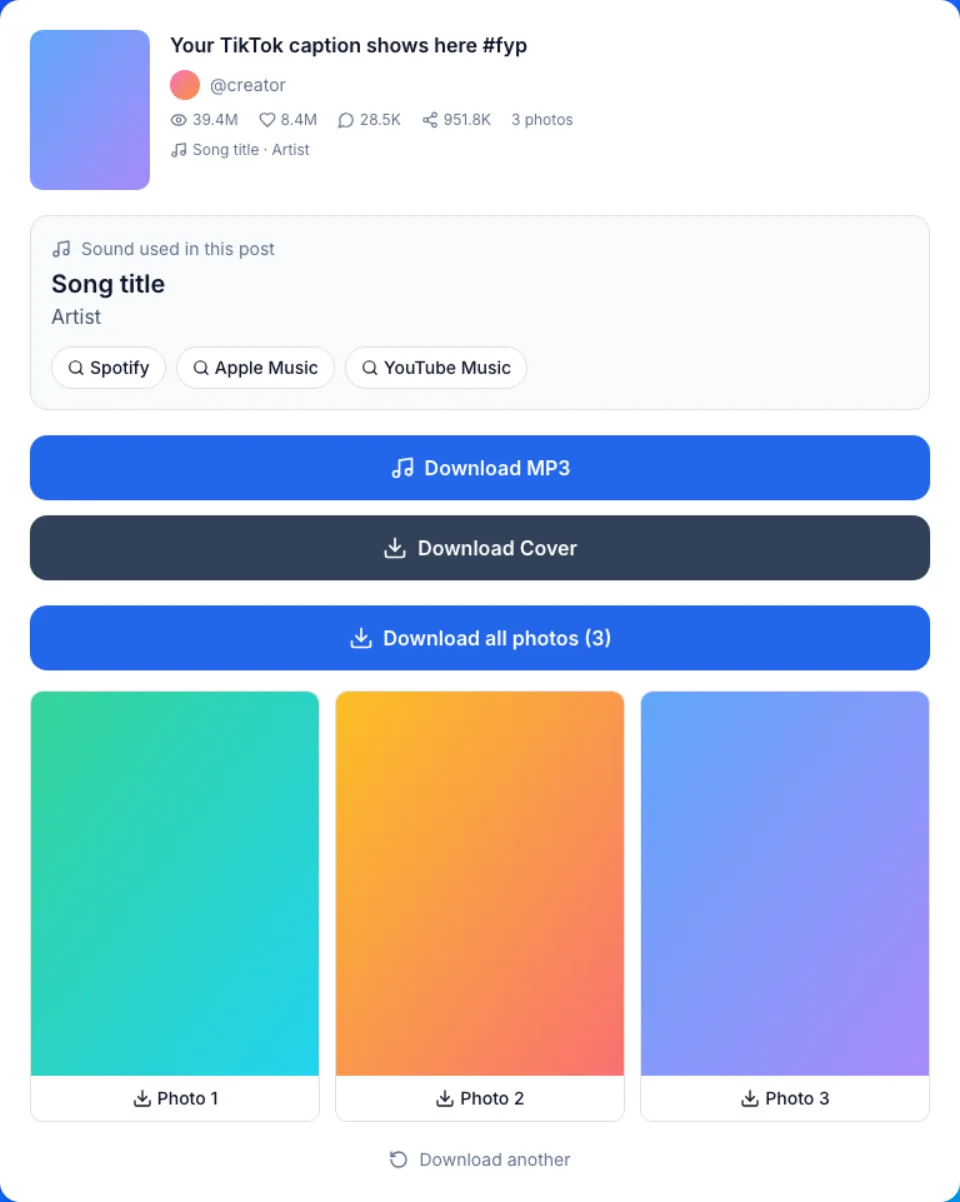
How to find a song from a TikTok
Three steps from a post link to the song name, on a phone or a computer.
- 1
Copy the post link
In the TikTok app, tap Share on the video or slideshow, then Copy link. On tiktok.com, copy the address bar.
- 2
Paste it into the TikTok song finder
Paste the link into the box at the top and press Find Song. Short vm.tiktok.com and tiktok.com/t/ links work too.
- 3
Read the name, then open your music app
The card under Sound used in this post shows the name and artist. Tap Spotify, Apple Music or YouTube Music to search for it there.
What this TikTok song finder shows you
The label TikTok itself uses
We read the sound info TikTok attaches to the post and show it unchanged. A song picked from TikTok's music library is named the same way TikTok names it.
Three music app searches, ready to tap
Each search is built from the sound's name and artist, so you land on a Spotify, Apple Music or YouTube Music results page without typing.
Slideshows have songs too
Photo posts carry a sound like videos do. Paste a slideshow link and the background song is named the same way.
No search links for an original sound
When the label starts with original sound, the card says it's an uploader's audio, which may still contain a released song this tool can't identify. It skips the music app buttons, since searching that label rarely finds the song.
Can you Shazam a TikTok? Four ways to find the song
Each method answers a different case, so the fastest one depends on what the label says.
| This page | Tap the sound in TikTok | Listening app, Shazam style | Ask in the comments | |
|---|---|---|---|---|
| How it works | Reads TikTok's sound label | Opens the sound's page | Listens to the audio | Someone who knows replies |
| You need | A browser and the link | The TikTok app | The app and the clip playing | A TikTok account |
| Library song | Name and artist | Name and artist | Usually matched | If someone knows |
| Original sound | Says it's uploaded audio; can't name a song in it | Shows the creator's name | Can match a released song in it | Often the only way |
| Talking over the music | Label unaffected | Label unaffected | Harder to match | No effect |
| Music app links | Spotify, Apple Music, YouTube Music | Not always | Depends on the app | No |
What song is this TikTok? Read the sound label first
Every TikTok post names its sound next to a spinning record icon. That name falls into one of three cases.
A song title and an artist mean the creator picked the track from TikTok's music library. Search that name in your music app and you will usually find the full release.
original sound followed by an account name means someone uploaded their own audio, often a voice, a remix or a song they recorded themselves. It may still contain a released song, but the label alone doesn't say which, so start with the account named or play the clip to a listening app.
When there is no name at all, the card says TikTok shows no sound name for this post, and a listening app is the next step.
Why a TikTok song search comes up empty
Most dead ends, with a TikTok song finder or any other method, come from one of these.
Mistake: Typing "original sound" and a username into Spotify
Do this instead: Music apps only list released songs. Check the caption and the comments, or play the clip to a listening app.
Mistake: Expecting the finder to hear a song playing in the background
Do this instead: We read the label, not the audio. A song the creator added in another editor shows as original sound and needs a listening app.
Mistake: Pasting a profile link or a sound page link
Do this instead: The finder reads posts. Open the video or slideshow itself, tap Share, then Copy link.
Mistake: Holding a second phone to the speaker for every clip
Do this instead: Check the label first. For a library song it gives the name at once, even when someone talks over the music.
Mistake: Trying a post from a private account
Do this instead: Only public posts can be read. Private, deleted and region-blocked posts return a clear error.
Free, private and honest about its limits
Free, with no cap
Every lookup in the TikTok song finder and every MP3 is free and unlimited. There are no credits, no ads to watch before a result and no account.
Nothing is kept
Nothing you download is ever saved on our servers. You never sign in to TikTok, or to us, to look up a song.
Not audio recognition
This page reads the sound info TikTok publishes, it does not listen to the clip. We are not affiliated with TikTok or ByteDance.